

What if a simple sheet could make your next medical visit far more useful?
A symptom log template turns fuzzy memories into clear patterns, showing when pain starts, what makes it worse, and whether treatments help, so you and your clinician can make smarter choices faster.
The printable template below fits any condition and takes under two minutes to fill once you get the habit.
Read on to learn how to use it, what to track, and how to bring a tidy timeline to your next appointment.
Free Printable Symptom Log (Download Here)
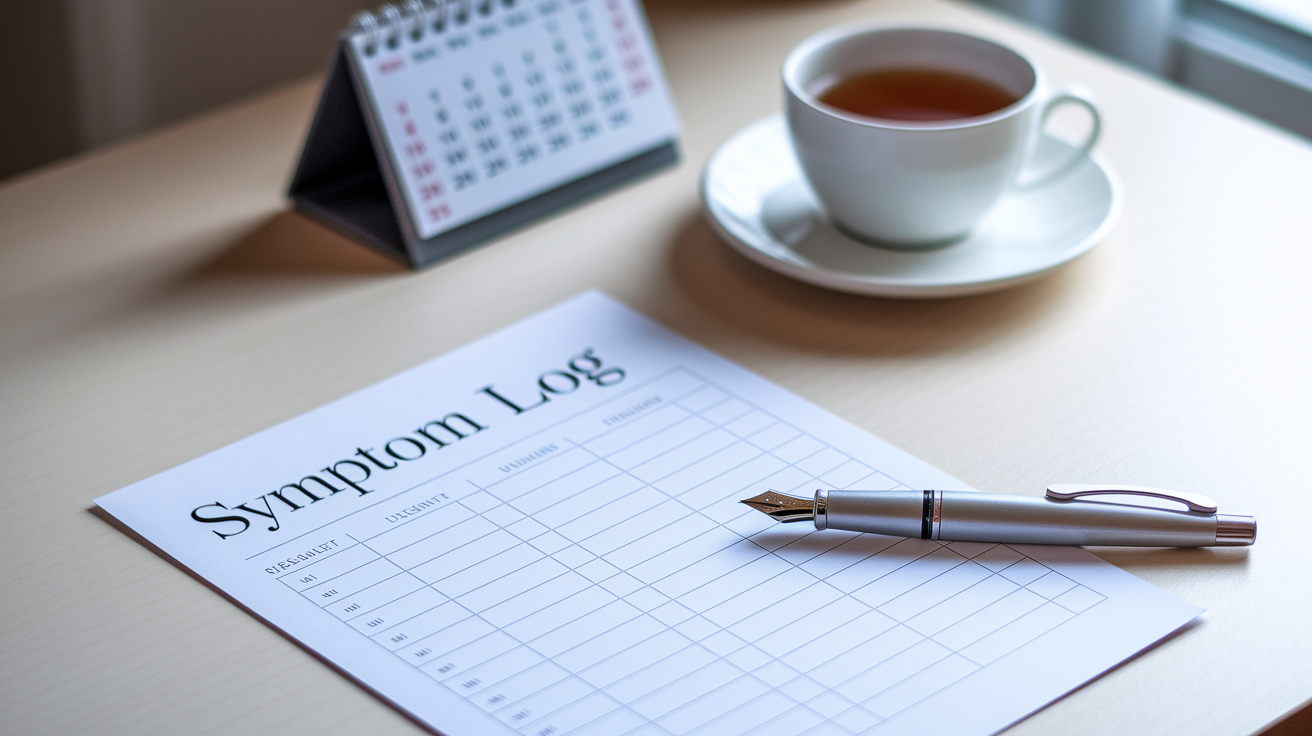
A symptom log template gives you a structured way to record what you’re experiencing each day. The printable version below works for any condition and takes less than two minutes to fill out once you get into the habit.
| Date | Time | Symptom | Severity (1–10) | Trigger | Medication | Notes |
|---|---|---|---|---|---|---|
Here’s what each column captures:
Date – Write the full date each time you log a symptom so you can spot weekly or monthly patterns.
Time – Record the exact time the symptom started or when you noticed it most.
Symptom – Describe what you’re feeling in plain words. Something like “sharp headache behind left eye” or “burning in stomach.”
Severity (1–10) – Rate how bad it is. Use 1 for barely noticeable and 10 for the worst you’ve ever felt.
Trigger – Note anything that might have caused or worsened the symptom. A certain food, stress, skipped meal, weather change. Whatever comes to mind.
Medication – List any over-the-counter or prescription medicine you took, including the dose and time.
Notes – Add anything else relevant. Like “felt better after lying down” or “started after walking upstairs.”
To use this template, print several copies and keep them in a folder or binder. Fill out a new row whenever a symptom appears or changes. Bring the completed sheets to your next appointment so your clinician can review the timeline and spot connections you might’ve missed.
How to Use a Symptom Log Effectively

Consistency matters more than perfect detail. Try to log symptoms within an hour or two of noticing them, while the experience is still fresh. If you wait until bedtime, small details blur together and you’re more likely to forget what happened before lunch.
The best time to fill out your log depends on your routine. Some people keep a small notebook in their bag and jot down entries right after a flare. Others set a phone reminder for the same time each evening to review the day. Pick a method that fits your life so tracking becomes automatic instead of another thing you forget.
After a week or two, read through your entries and look for repeating patterns. Do symptoms appear at the same time of day? Do they follow certain meals, activities, or stress? Do they improve on weekends? These connections help you and your clinician decide what to try next.
Here’s how to complete each entry accurately:
- Write the date and exact time the symptom started or when you noticed it most.
- Describe the symptom in simple, body-based language. “Tight chest,” “stabbing pain in lower back,” “dizzy when standing up.”
- Rate severity on a 1–10 scale, using the same anchor points every time. Treat “7” as “interferes with normal activity,” for example.
- List possible triggers you remember from the hours before, even if you’re not sure they’re connected.
- Record any medication you took. Name, dose, time. Note whether it helped, made no difference, or made things worse.
Symptom Log Examples for Common Conditions

Different health concerns call for slightly different details. A migraine log focuses on warning signs and light sensitivity. An anxiety log tracks thoughts and physical sensations together. Tailoring your log helps you capture what actually matters for your condition.
Migraine Example
Date: April 12
Time: 2:30 PM
Symptom: Throbbing headache on right side, saw zigzag lines for 10 minutes before pain started
Severity: 8
Trigger: Skipped lunch, bright overhead lights at work
Medication: Ibuprofen 400 mg at 2:45 PM
Notes: Pain eased to a 4 after lying in a dark room for an hour. Felt nauseous but didn’t vomit.
Anxiety Example
Date: April 15
Time: 9:00 AM
Symptom: Racing heart, shallow breathing, hands shaking, worried about upcoming presentation
Severity: 7
Trigger: Didn’t sleep well, drank two cups of coffee before 8 AM
Medication: None
Notes: Symptoms calmed after stepping outside for 10 minutes. Able to focus again by 9:30 AM.
Chronic Pain Example
Date: April 18
Time: 6:00 PM
Symptom: Burning ache in lower back, worse when sitting
Severity: 6
Trigger: Sat at desk for 4 hours without a break
Medication: Naproxen 220 mg at 6:15 PM
Notes: Pain dropped to a 3 after heating pad and stretching. Lasted about 3 hours total.
Benefits of Tracking Symptoms

A symptom log turns vague memories into concrete evidence. When you write down what happened and when, patterns emerge that you wouldn’t catch otherwise. You might discover that your headaches always follow dairy or that your joint pain flares on humid days. These insights guide safer self-care decisions and help your clinician narrow down possible causes faster.
Logs also make medical appointments more productive. Instead of trying to recall weeks of symptoms in a fifteen-minute visit, you hand over a timeline. Your clinician can see what’s getting better, what’s getting worse, and whether a new medication is actually working. That clarity often leads to faster adjustments and fewer guessing games.
Here’s what tracking does:
Spot triggers. Identify foods, activities, stressors, or environmental factors that make symptoms worse.
Track treatment effects. See whether a medication or lifestyle change is making a measurable difference over days or weeks.
Strengthen communication. Give your clinician specific details instead of rough estimates, which improves diagnosis accuracy.
Reduce worry. Having a written record can ease the anxiety of forgetting important details or wondering if symptoms are changing.
Digital Symptom Tracking Options
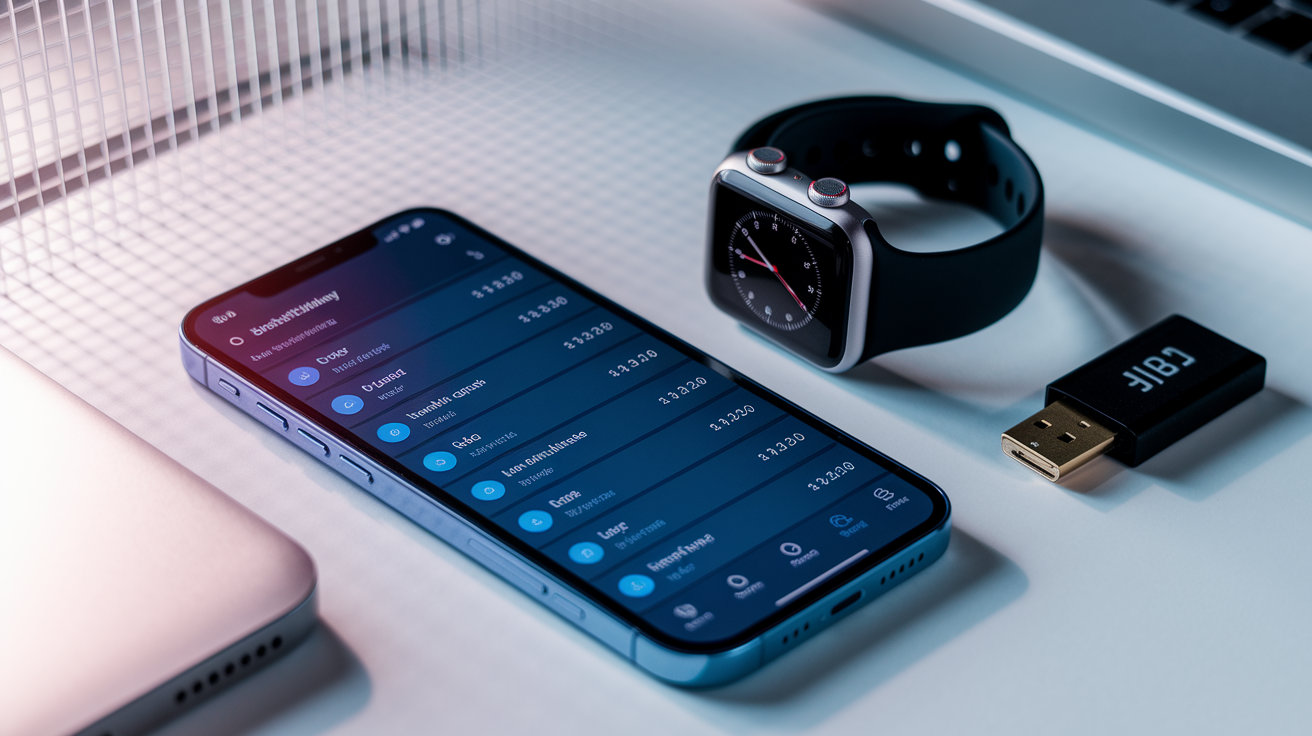
Digital symptom trackers offer features that paper logs can’t match. Most apps send reminders so you don’t forget to log. Many generate charts that show symptom trends over weeks or months, making patterns obvious at a glance. Some apps let you attach photos of visible symptoms like rashes or swelling, which helps when describing changes to a clinician.
Paper logs work well if you prefer writing by hand or if you want a backup that doesn’t depend on a charged phone. They’re simple, portable, and easy to review without opening an app. But they’re also easier to lose, harder to organize, and time-consuming to summarize when you’re preparing for an appointment.
When choosing a digital tracker, look for these four features:
Reminders. Scheduled notifications that prompt you to log symptoms at the same time each day or after specific events.
Offline logging. The ability to enter data without an internet connection, so you’re not locked out during a flare.
Export and sharing. An option to download your data as a PDF or spreadsheet and send it to your clinician before your visit.
Security. Passcode protection and encryption to keep your health information private, especially if you’re tracking sensitive symptoms or medication use.
Preparing for Medical Appointments Using Your Symptom Log

Clinicians appreciate organized data because it speeds up diagnosis and reduces the back-and-forth guessing that eats up appointment time. A completed log shows the full picture, not just the symptoms you remember under pressure.
Before your visit, review your entries and highlight the most important patterns. Look for symptom clusters that happen together, times when symptoms peaked, and any clear triggers or relieving factors. If you tried a new medication, note the dates you started and any changes in symptom severity or frequency. Circle or mark entries that worry you most so your clinician can address them first.
Bring these details to share with your doctor:
Frequency. How many days per week symptoms appeared, and whether they’re happening more or less often than before.
Timing. Whether symptoms occur at predictable times. Mornings, after meals, during stress.
Severity trends. Whether average severity is rising, falling, or staying the same across the weeks you tracked.
Medication response. What you took, when you took it, and how much relief it provided within the next few hours.
Triggers and relief. Clear examples of what made symptoms worse and what helped, even if the connection seems small or uncertain.
Final Words
In the action — this guide gave you a ready printable template, simple how-to steps, condition-specific examples, the main benefits of tracking, digital options, and tips for using your notes at appointments.
Start using the template today: jot date, time, symptom, severity, triggers, meds, and a quick note each time it happens. Do it for a few weeks to spot patterns.
Keep your symptom log with you for appointments. Small, steady entries make visits clearer and treatment more useful. You’ve got this.
FAQ
Q: What is a symptom log and how does it help my diagnosis or treatment?
A: A symptom log is a simple record of when symptoms happen, how bad they are, and what might trigger them. It helps spot patterns, guide treatment, and make appointments more useful.
Q: What fields does the printable symptom log template include?
A: The printable symptom log template includes date, time, symptom description, severity (1–10), trigger, medication taken, and a notes field for extra details or context.
Q: How do I print and use the downloadable template?
A: To print and use the template, download the file, print on standard paper, fill each row after symptoms occur, and bring the completed pages to your clinician appointment.
Q: How often should I log symptoms and when is the best time to write entries?
A: You should log symptoms daily and right after an event when details are fresh. Track during flare-ups, after meds, and at bedtime for a full-day picture.
Q: How should I rate severity and record triggers clearly?
A: Rate severity on a 1–10 scale with 1 being mild and 10 being worst pain. Note what happened before the symptom—food, stress, sleep, activity, or medication change.
Q: How do symptom logs vary for migraine, anxiety, and chronic pain?
A: Logs differ by focus: migraines track aura, light sensitivity, and triggers; anxiety logs note thoughts and physical signs; chronic pain logs include location, duration, and activity impact.
Q: Can I use a digital symptom tracker instead of a paper log?
A: A digital tracker can replace paper if you want reminders, charts, and pattern detection. Choose apps that offer customizable fields, exportable reports, secure data, and reminders.
Q: What should I bring from my symptom log to a medical appointment?
A: Bring a short summary: typical severity, timing, top triggers, medication effects, and recent notable entries. Offer full pages if the clinician asks; a one-page overview helps start the visit.
Q: When should I stop tracking and get urgent medical care instead?
A: Stop tracking and seek urgent care if symptoms suddenly worsen, breathing is hard, you faint, have chest pain, severe fever, or new neurological signs like weakness or slurred speech.


